







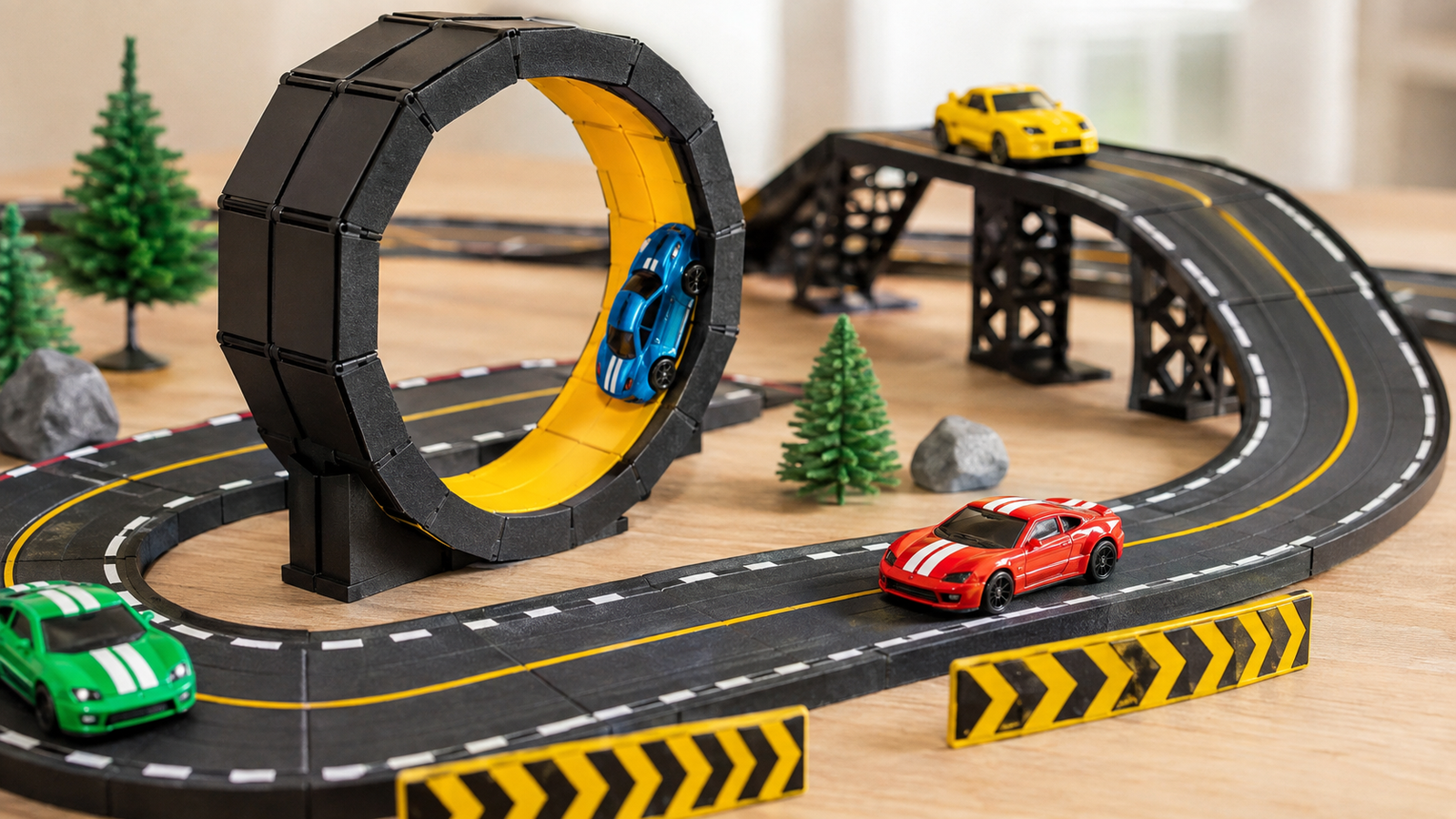
PolyTrack has quickly become a popular choice for players who enjoy fast racing, challenging tracks, and simple browser-based gameplay. Instead of focusing on realistic car physics or detailed vehicle customization, the game puts speed, precision, and track mastery at the center of the experience. Its colorful low-poly graphics, responsive controls, and creative track-building system make it easy to start but surprisingly difficult to master.
Quick Information
| Basic Information | Details |
|---|---|
| Game Name | PolyTrack |
| Developer | Kodub |
| Game Genre | Arcade Racing and Time Trial |
| Visual Style | Colorful Low-Poly Graphics |
| Main Objective | Complete tracks in the fastest possible time |
| Primary Platform | Web Browser |
| Gameplay Information | Details |
|---|---|
| Game Mode | Mainly Single-Player Time Trials |
| Key Features | Fast racing, instant restarts and challenging courses |
| Track Editor | Available for creating custom tracks |
| Common Obstacles | Ramps, loops, sharp turns and narrow roads |
| Skill Level | Beginner-friendly but difficult to master |
| Best For | Racing fans, speedrunners and creative track builders |
What Is PolyTrack?
PolyTrack is a fast-paced racing game inspired by arcade time-trial experiences. Players drive through tracks filled with sharp corners, ramps, loops, elevated platforms, and other obstacles. The main goal is usually to reach the finish line in the shortest possible time.
Unlike traditional racing games that emphasize competition between several cars, PolyTrack is mainly about improving your own performance. You may repeat the same track many times, learning every corner and discovering small ways to save time.
The game’s clean visual style helps players concentrate on the road ahead. Vehicles, tracks, and environments are presented through simple geometric shapes and bright colors. This gives PolyTrack a distinctive appearance while helping it run smoothly on many devices.
Why Is PolyTrack So Popular?
One of the biggest reasons for PolyTrack’s popularity is its accessibility. There is no complicated setup process, long tutorial, or enormous download standing between the player and the action. The basic concept is easy to understand: accelerate, steer carefully, avoid falling off the track, and reach the finish line as quickly as possible.
However, the game becomes more demanding as players attempt advanced tracks. A small mistake can ruin an otherwise excellent run. Missing the correct racing line, landing at the wrong angle, or entering a turn too quickly can cost valuable seconds.
This combination of simple controls and challenging mastery gives the game strong replay value. Players are constantly encouraged to try “one more run” to beat their previous record.
Main Features of PolyTrack
Fast Time-Trial Racing
PolyTrack is built around quick time-trial races. Every fraction of a second matters, especially when you are trying to improve a personal record. Completing a track is only the beginning. The real challenge is learning how to finish it efficiently.
Short races also make the game suitable for quick play sessions. You can attempt a few tracks during a break or spend a longer session perfecting one difficult course.
Low-Poly Visual Design
The low-poly graphics give the game a clean and recognizable identity. Rather than using highly realistic environments, PolyTrack presents tracks through colorful platforms, simple landscapes, and geometric structures.
This visual approach is not only stylish but also practical. Important sections of the road are usually easy to identify, allowing players to react quickly to turns, jumps, and obstacles.
Challenging Track Designs
PolyTrack includes courses that test different driving abilities. Some tracks focus on speed, while others demand accurate steering and careful braking. Players may encounter:
- Tight corners and sudden direction changes
- Large jumps and dangerous landings
- Narrow elevated roads
- Loops and curved track sections
- Off-road surfaces
- Platforms with limited space
- High-speed downhill sections
Each obstacle requires a slightly different strategy. A technique that works on a wide, simple road may fail completely on a narrow technical course.
Track Editor
The track editor is one of PolyTrack’s most exciting features. It allows players to create original racing courses using different road pieces, ramps, turns, loops, checkpoints, and environmental elements.
Creating a good track requires more than placing random obstacles. The course should have a natural flow, fair checkpoints, and enough visual guidance to help players understand where to go. Track builders can create beginner-friendly courses, difficult stunt challenges, or high-speed tracks designed for record attempts.
The editor adds a creative side to the game and significantly increases its long-term replay value.
Community-Created Tracks
Custom tracks keep the PolyTrack experience fresh. Instead of playing only the original courses, players can explore creations developed by other members of the community.
Community tracks can range from simple beginner races to extremely difficult challenges. Some focus on technical driving, while others feature unusual jumps, creative scenery, or experimental layouts.
Because the quality and difficulty of custom tracks can vary, new players should begin with simpler designs before attempting expert-level courses.
Instant Restarts
Mistakes happen frequently in PolyTrack, especially when attempting difficult courses. Fortunately, restarting a run is quick and convenient. This encourages experimentation because players do not have to wait through long loading screens after every error.
Instant restarts are also important for competitive time trials. Serious players may restart dozens of times while searching for the perfect run.
How PolyTrack Gameplay Works
The basic gameplay is straightforward. You control a vehicle and guide it from the starting point to the finish line. Depending on the track, you may need to pass through several checkpoints along the way.
Success depends on three main abilities: speed control, steering accuracy, and track knowledge.
Driving at maximum speed is not always the best strategy. Entering a sharp corner too quickly can send your vehicle off the road. At the same time, slowing down more than necessary can damage your final time. Good players learn how to balance aggression with control.
Track knowledge is equally important. Your first attempt may be slow because you do not know what comes next. After several runs, you will begin to remember braking points, jump locations, and difficult corners. This allows you to plan your movements instead of reacting at the last second.
Best PolyTrack Tips for Beginners
Learn the Track Before Chasing Records
Do not worry about achieving a perfect time on your first attempt. Focus on reaching the finish line and understanding the layout. Learn where the sharp turns, jumps, and narrow sections are located.
Once you can complete the course consistently, begin working on speed.
Use Smooth Steering
Sudden steering movements can make the vehicle unstable. Try making smaller, controlled adjustments whenever possible. Smooth steering is particularly important when driving at high speed or landing after a jump.
Overcorrecting is a common beginner mistake. If the vehicle moves slightly off line, avoid turning too aggressively in the opposite direction.
Brake Before Difficult Corners
Waiting until you are already inside a corner to reduce speed can cause the vehicle to slide or leave the track. Brake before entering the turn, position the car correctly, and accelerate as you approach the exit.
The ideal braking point will change depending on the corner and your current speed. Practice is the best way to discover it.
Look Ahead
Avoid focusing only on the vehicle. Keep your attention farther along the track so you can prepare for upcoming turns and obstacles.
Looking ahead gives you more time to react and makes your driving feel smoother. This habit becomes increasingly important on fast and technical courses.
Control Your Jump Landings
The fastest approach to a ramp does not always produce the best result. Excessive speed can cause you to overshoot the landing area or lose control after touching the ground.
Try to land straight and prepare for whatever comes after the jump. If a corner appears immediately after the landing, you may need to adjust your speed before leaving the ramp.

Advanced Tips for Faster Times
Study Your Racing Line
The shortest route through a corner is often faster than following the center of the road. Approach from the outside, move toward the inside of the turn, and allow the vehicle to return toward the outside as you exit.
Not every PolyTrack corner follows the same pattern, but understanding racing lines can help you maintain more speed.
Protect Your Momentum
Unnecessary braking and sharp steering reduce momentum. On sections with several connected turns, think about the entire sequence rather than treating each corner separately.
Sometimes taking the first corner slightly slower creates a better position for the next one, producing a faster overall result.
Make One Improvement at a Time
When trying to beat a personal record, focus on one difficult section. Experiment with different braking points, speeds, and steering angles until you find a reliable method.
Changing your approach to the entire track after every attempt makes it difficult to understand what actually improved your time.
Develop Consistency
A risky shortcut may save time, but it is not useful if it only works once in twenty attempts. Start with a strategy you can repeat consistently. After that, gradually introduce more aggressive techniques.
Consistency builds confidence and makes it easier to identify where additional time can be saved.
Use Checkpoints as Progress Markers
Checkpoints are more than required parts of the course. They can help you evaluate individual sections of your run. If you reach a checkpoint more quickly than usual, you know your recent technique worked.
Breaking a track into smaller sections also makes difficult courses feel more manageable.
Tips for Building Better Custom Tracks
When creating a Poly Track course, begin with a clear idea. Decide whether the track will focus on speed, precision, jumps, or a balanced combination of challenges.
Test every section from a player’s perspective. Make sure jumps are possible, corners are readable, and checkpoints prevent unfair shortcuts. Difficulty should come from skillful design rather than confusion.
It is also helpful to include a mixture of intense and relaxed sections. Constant sharp corners can become frustrating, while an entirely straight course may feel repetitive. A strong track has rhythm, variety, and a satisfying sense of progression.
Is PolyTrack Worth Playing in 2026?
PolyTrack remains an enjoyable option for anyone who likes arcade racing, time trials, and creative track design. Its simple presentation makes it approachable, while its demanding courses offer enough depth for experienced players.
The ability to restart instantly, improve personal records, and build custom tracks creates a highly replayable experience. You can enjoy PolyTrack casually for a few minutes or spend hours mastering a single course.
PolyTrack is a fast-paced low-poly racing game focused on time trials, precise driving, and creative track design. Players race against the clock while navigating sharp turns, jumps, loops, ramps, and narrow platforms.
Yes, PolyTrack can generally be played for free. Its accessible format allows players to begin racing without purchasing expensive vehicles, upgrades, or additional track packs.
Yes, PolyTrack is designed to run directly in a compatible web browser. This makes it convenient for players who want a quick racing experience without installing a large game.
Final Thoughts
PolyTrack succeeds because it turns a simple racing concept into an addictive challenge. The controls are easy to understand, but achieving a fast and controlled run requires patience, concentration, and repeated practice.
Beginners should focus on learning each track, steering smoothly, and finishing consistently. More advanced players can improve by protecting momentum, studying racing lines, perfecting jump landings, and analyzing individual track sections. Meanwhile, the track editor gives creative players an opportunity to design entirely new challenges.